
Windows with a secret.
A ghost behind the glass. A creature watching the street. A small surface with a big payoff.
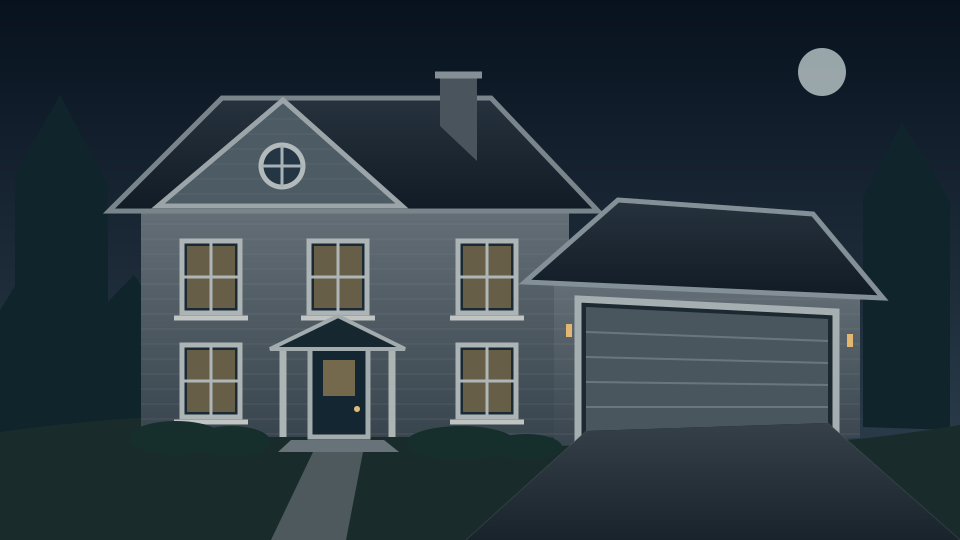
A window becomes a portal. A garage becomes a crypt. Your phone. An HDMI connection. A projector. Bring a whole new dimension to Halloween.
Give an ordinary surface an extraordinary story. Shape a scene to a garage, frame a ghost in a window, or bring winter magic to a wall. FrightFX puts the creative controls in your hands.
A ghost behind the glass. A creature watching the street. A small surface with a big payoff.
Open a portal, reveal a crypt, or let something appear to break through the door.
Trade Halloween chills for winter magic. Keep the setup; give the scene a new story.
A projector sends a rectangle. Mapping reshapes that image to your surface. Compare both views, then drag a corner and watch the grid follow it.
YOUR SURFACE, YOUR SCENE · Drag the four corners to reshape the effect.
Choose your scene. Press play.
On a computer, connect HDMI and set your displays to Extend. Open projector output, move that window to the projector, then click Enter fullscreen. Keep this studio open to control the show. Fit the corners while looking at your projected surface. Phones may mirror the whole browser; independent phone controls require the native app. Hardware compatibility is not yet verified.
Compatible phone or tablet.
HDMI cable / adapter + projector.
Position the visual.
Keep the light where it belongs.
Choose your scene.
Let the transformation begin.
The FrightFX mobile experience is built around a simple setup. Bring the screen in your pocket to the biggest surface in your home.
A phone or tablet that supports video output. Choose your scene and fit it to your space.
Connect your device’s video output to the projector. The adapter depends on your phone.
A window, a garage, a wall. Choose a projector suited to your surface and the available light.
Mobile app coming soon. Final device compatibility will be published before launch. Try the browser studio today; separate HDMI output currently targets desktop computers.
Get launch updates ↗The browser studio is available to try now. The mobile app and retail packages are coming later; join the launch updates for availability.
The first target is supported phones and tablets with HDMI video output and compatible HDMI projectors. A USB-C port alone does not guarantee video output. A tested compatibility list will be needed before launch.
Wireless playback is being explored. HDMI is the baseline connection being evaluated for the first experience. Final AirPlay support has not been confirmed.
Yes. Device-driven playback requires the device to remain connected, awake, and powered during the show.
Start with a window, garage, or selected surface. Display size and quality depend on projector brightness, throw distance, ambient light, and the surface. Whole-house results need appropriately capable equipment.
Be first to hear about the FrightFX mobile launch, compatibility, and availability.
Keep me in the loop ↗Opens your email app. No preorder or payment required.